How to restore OneWallet?
This tutorial explains how to restore your OneWallet. First you need to add OneWallet extenion to chrome browser and follow below steps.
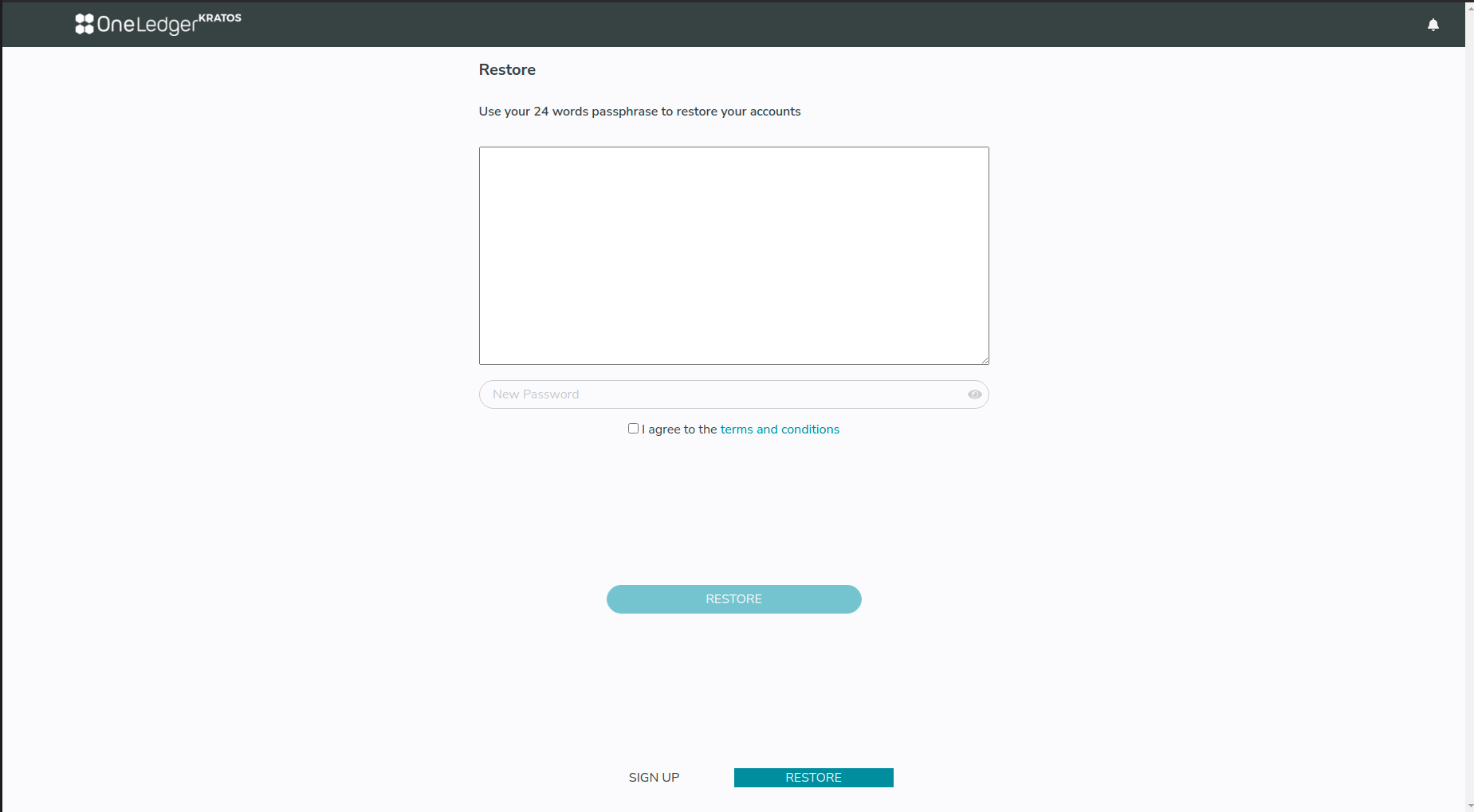
- Click RESTORE button on login page.

- You will be asked to enter pass phrase. Enter your saved 24 words pass phrase, type new password, agree to the terms and click restore.
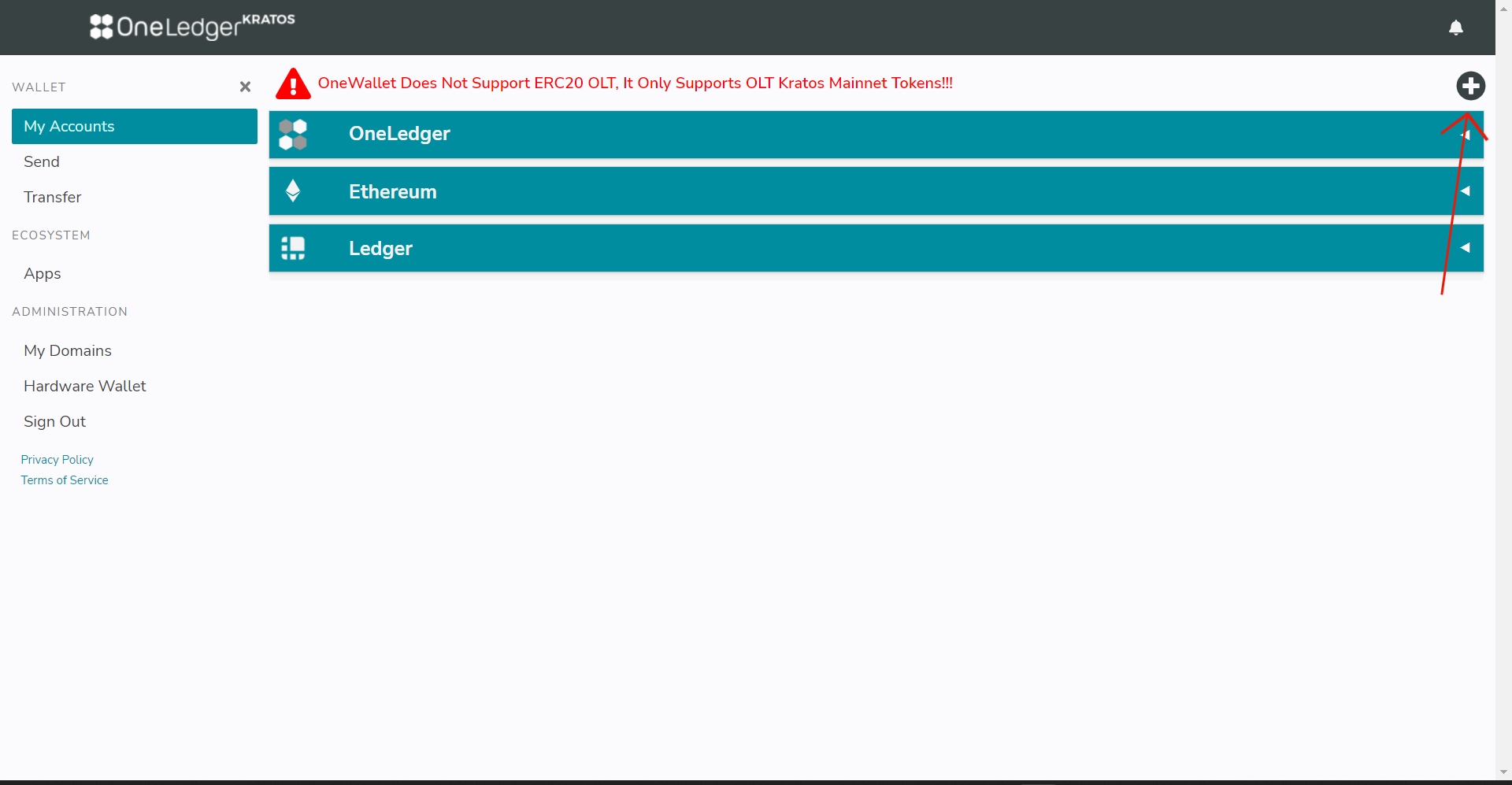
- click '+' button on top right corner of OneWallet home page.
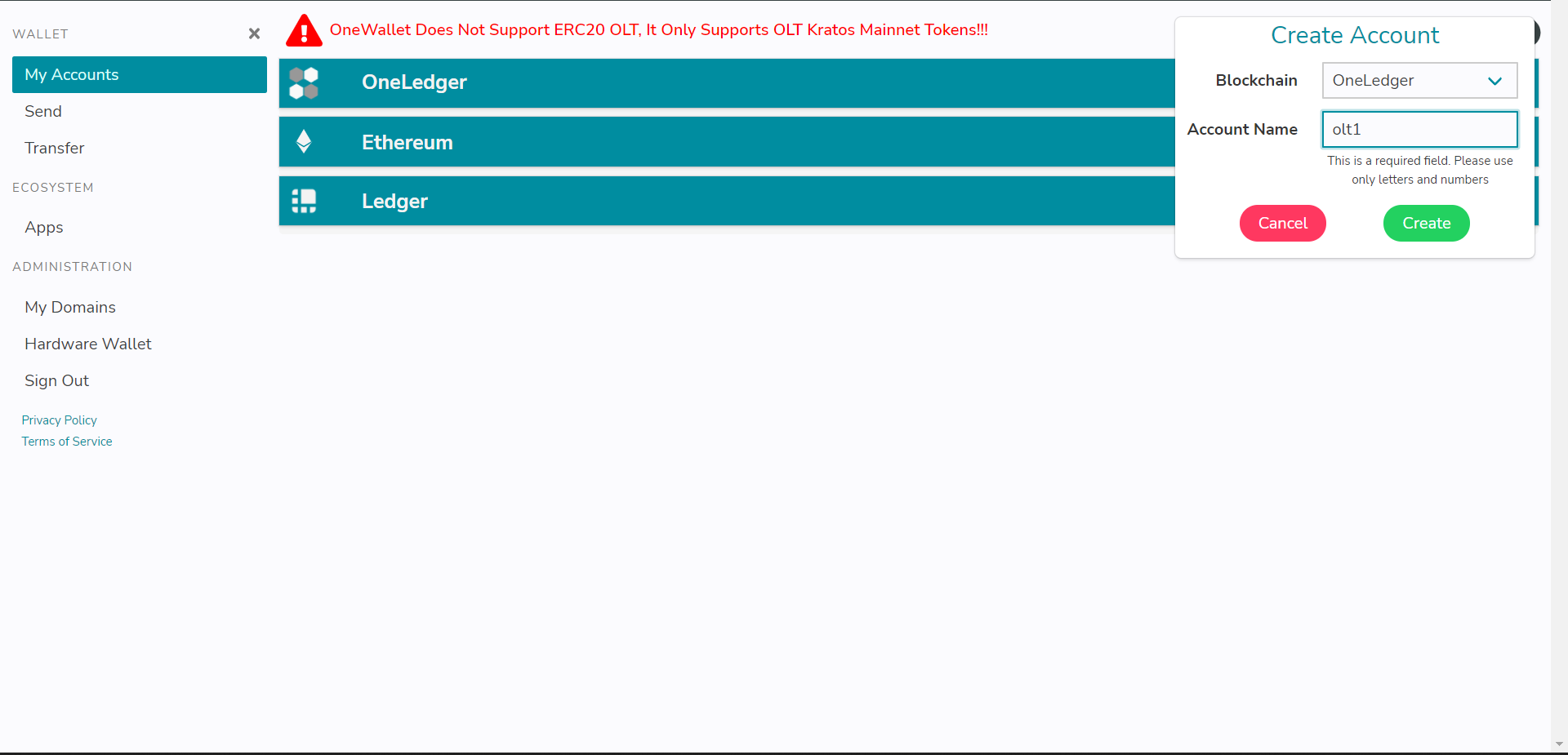
- Give account name of your choice and click enter, it will prompt for password please enter your OneWallet password.
Congratulations! You have successfully restored your OneWallet account. Repeat steps 3 & 4 if you have multiple accounts.
Video 🎥
- Restoring walkthrough for OneWallet