Tutorial
How to add liquidity to ELP
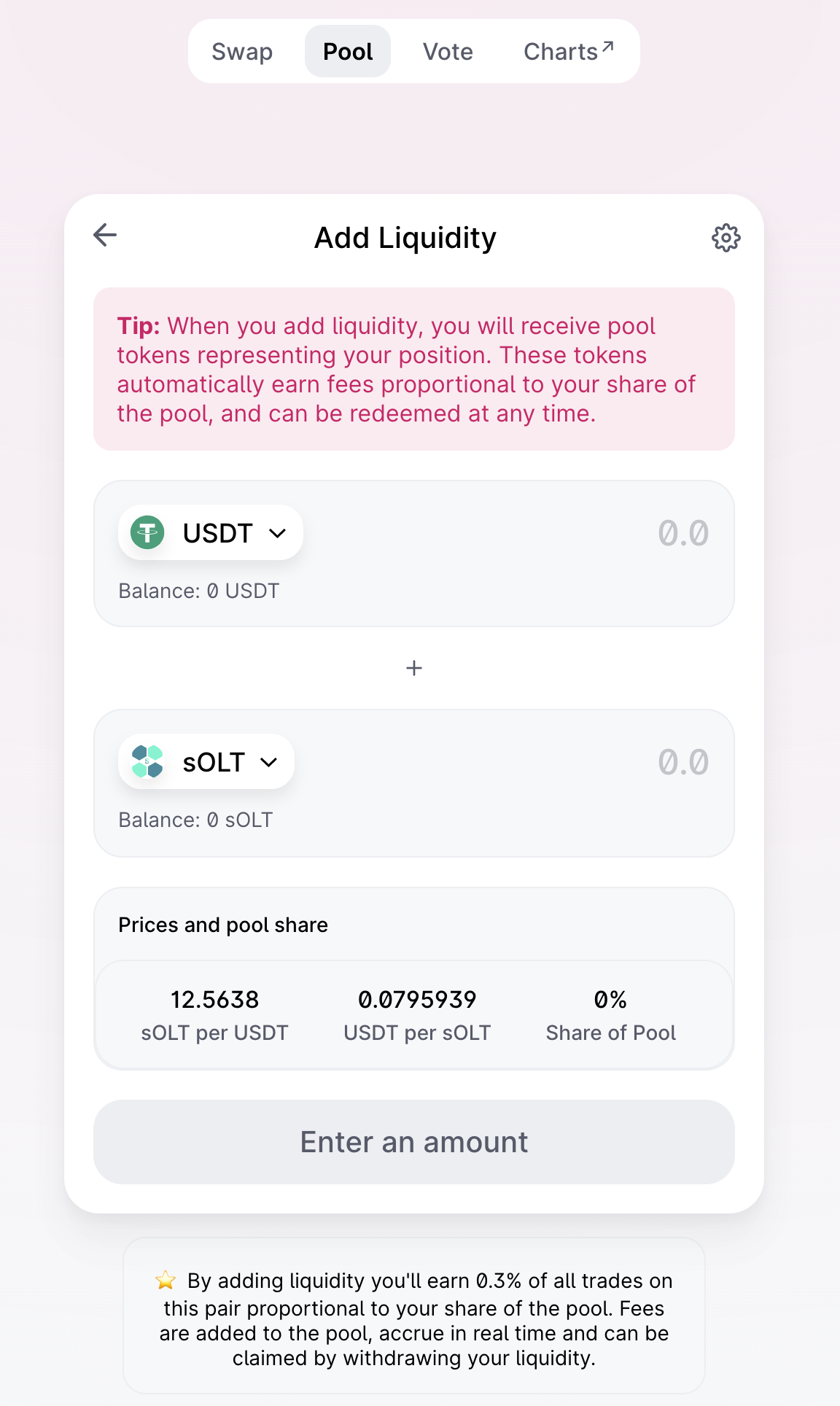
In order to participate in ELP liquidity should be added to the DEX. In this quick tutorial will be showed step by step how to provide it to UniSwap with sOLT-USDT pair.
Instructions
Add V2 liquidity on UniSwap with sOLT and USDT tokens
sOLT - https://etherscan.io/address/0xBdE61AabC13B8419d4b72b74B254A1629858e026
USDT - https://etherscan.io/address/0xdAC17F958D2ee523a2206206994597C13D831ec7
or just click here to redirect on required page
Go to ELP and connect to MetaMask
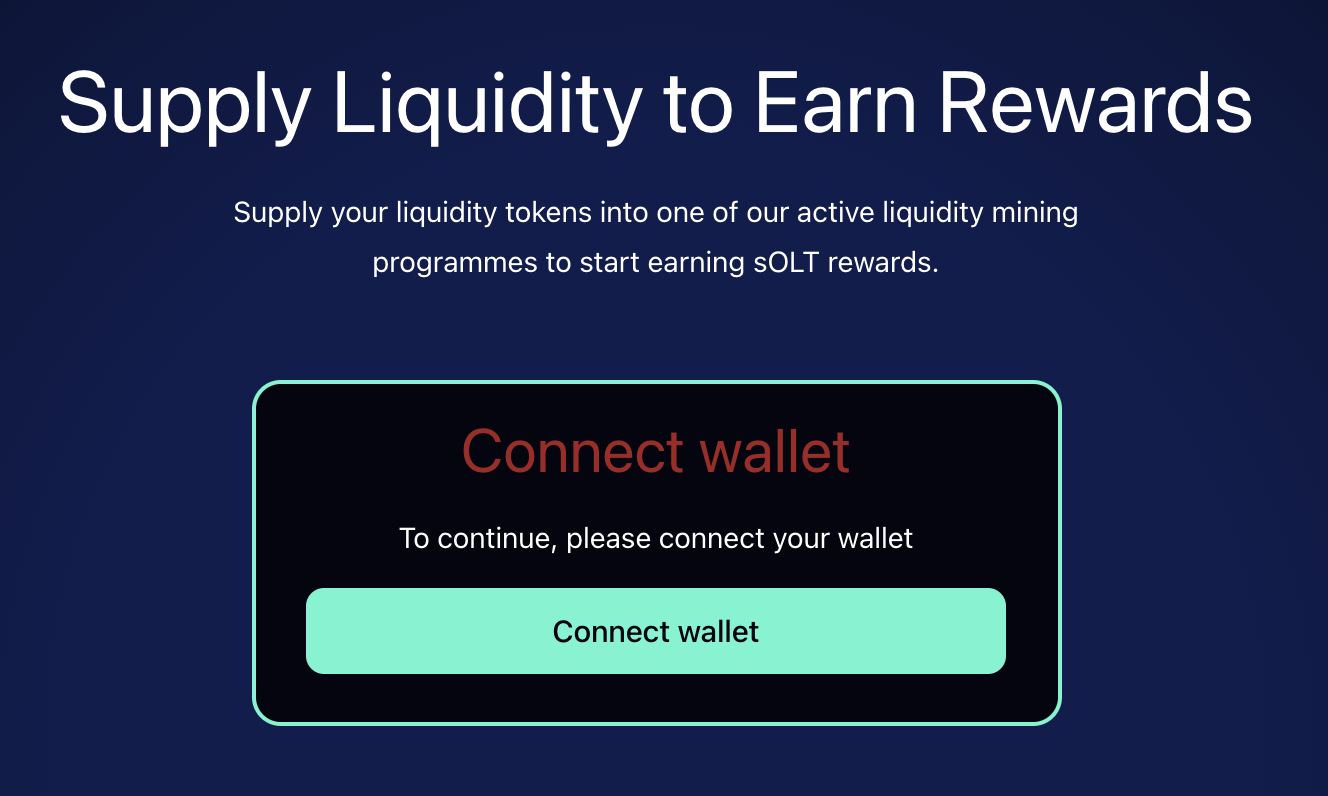
After this you will see this page
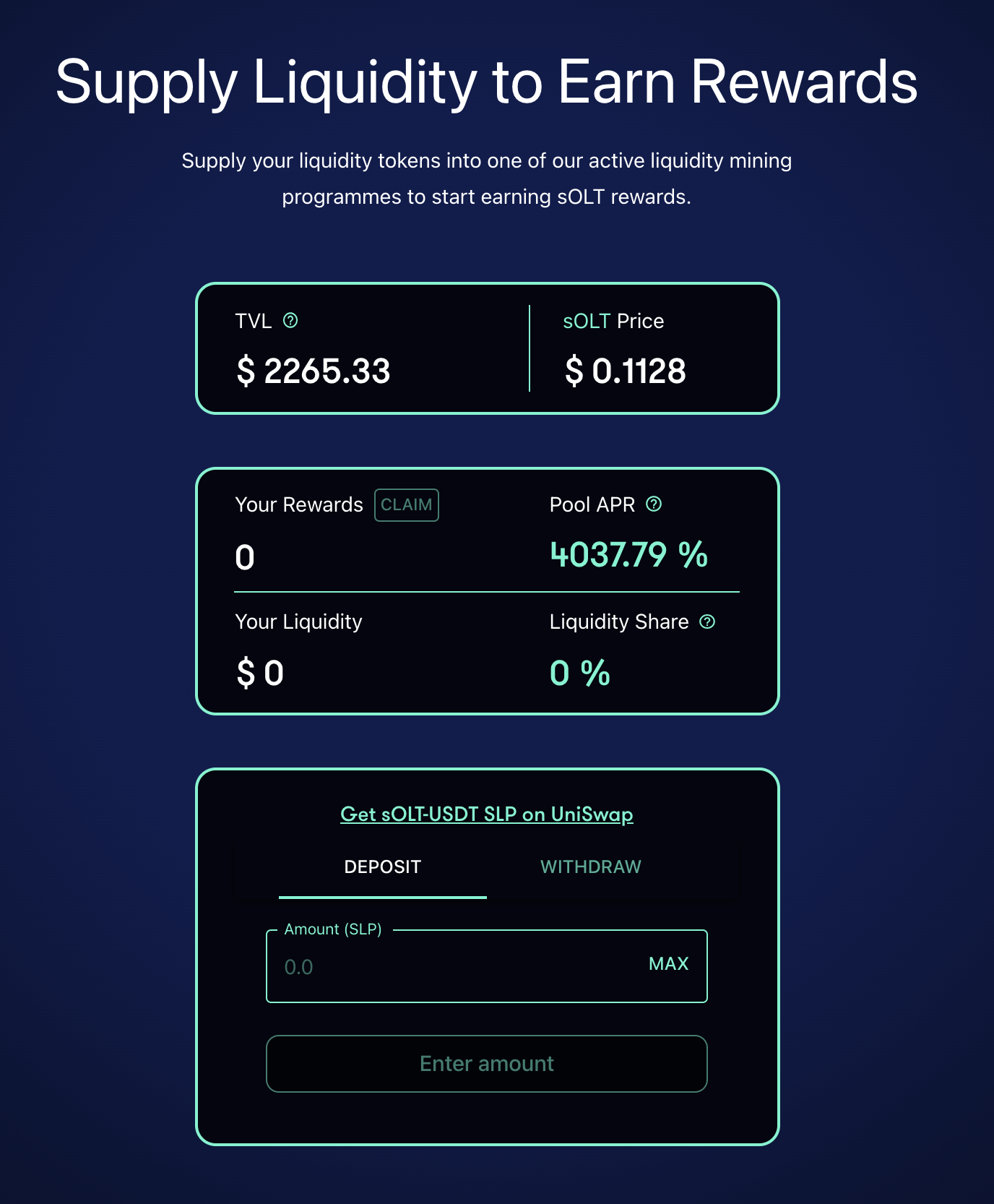
Click on MAX button to specify a UNI LP tokens to start in Liquidity Rewards Program
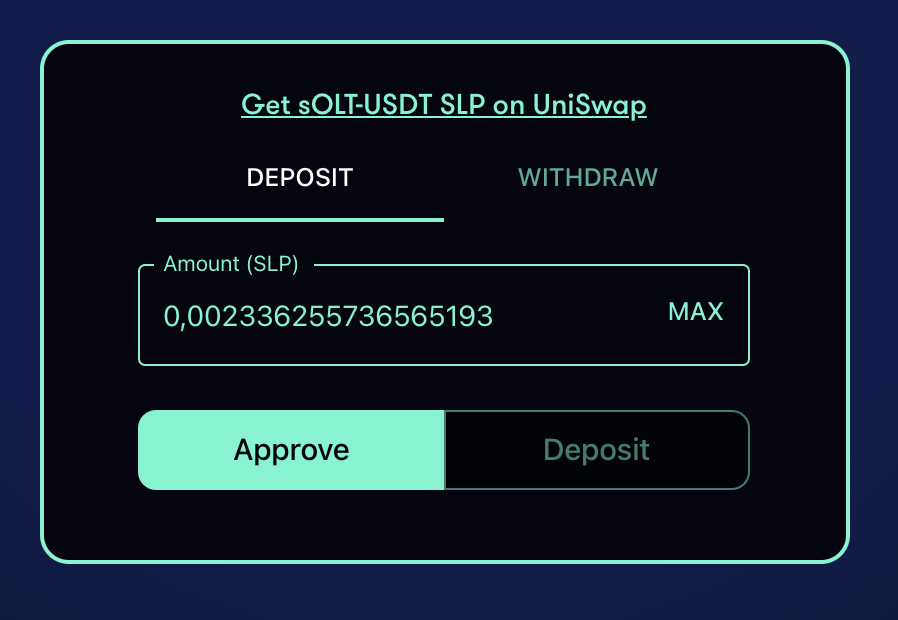
In order to add a liquidity on rewards program (or on the smart contract so called stake), we should allow our funds to do this by clicking approve
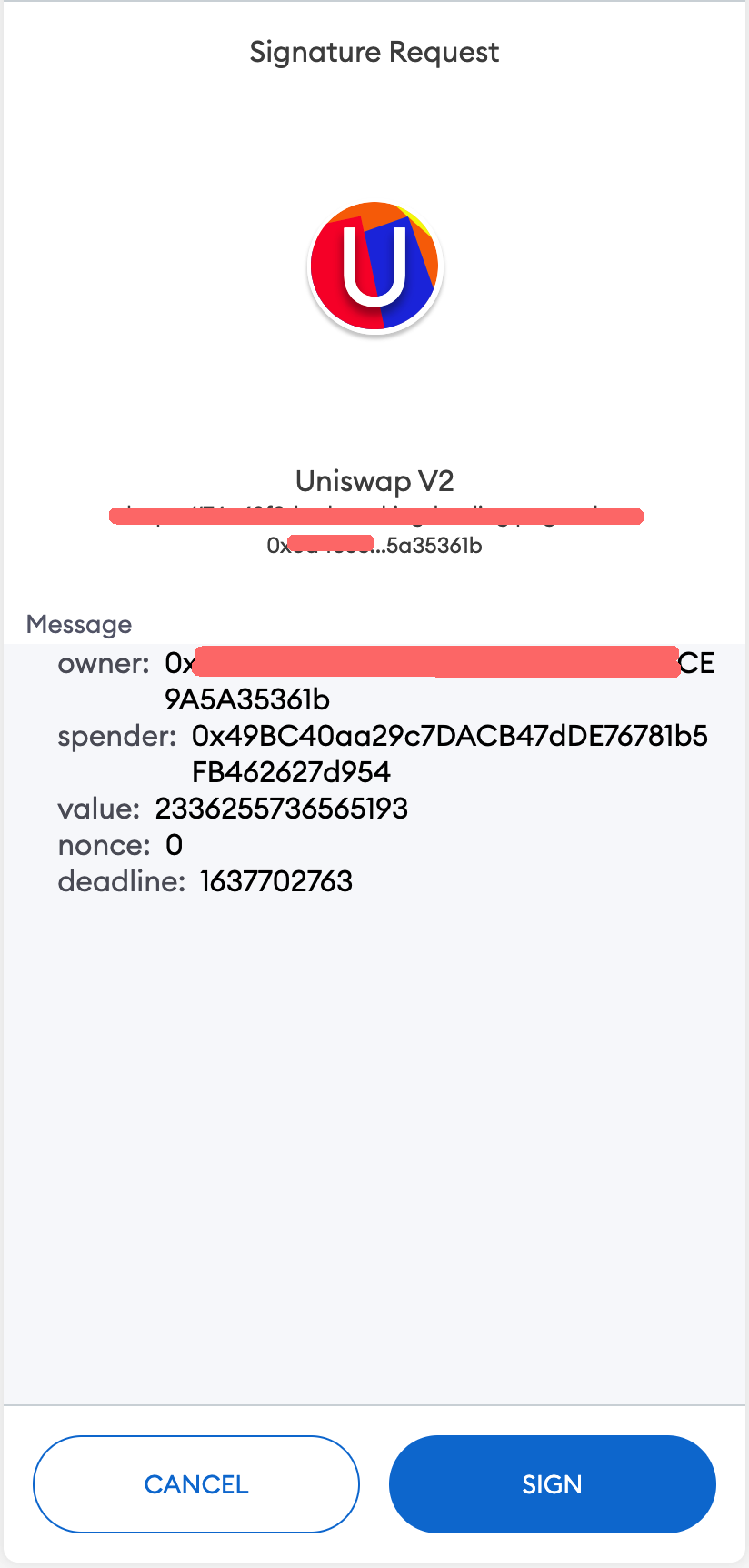
So we have required collected aproved signatures, and we could make a stake by clicking on deposit button
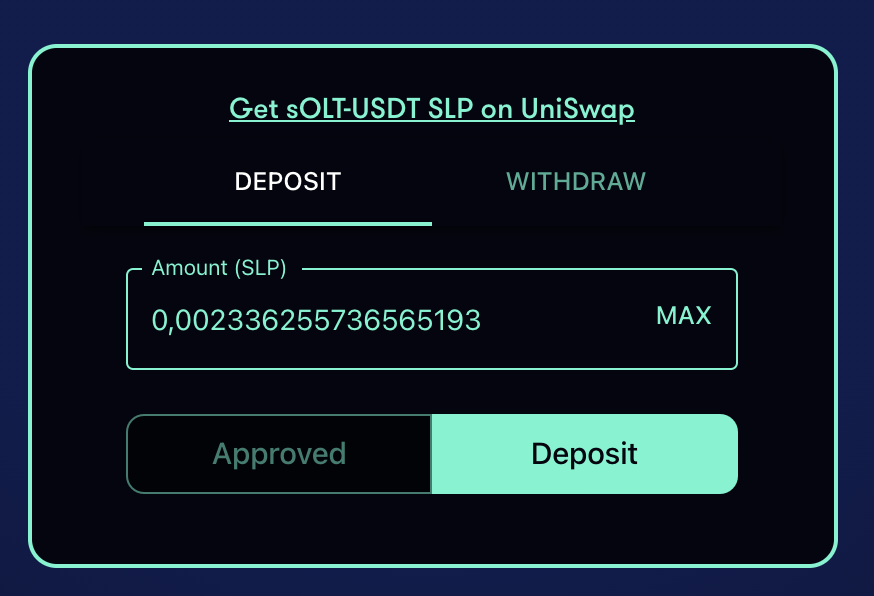
After this metamask will ask to confirm a stake transaction in order to participate in ELP
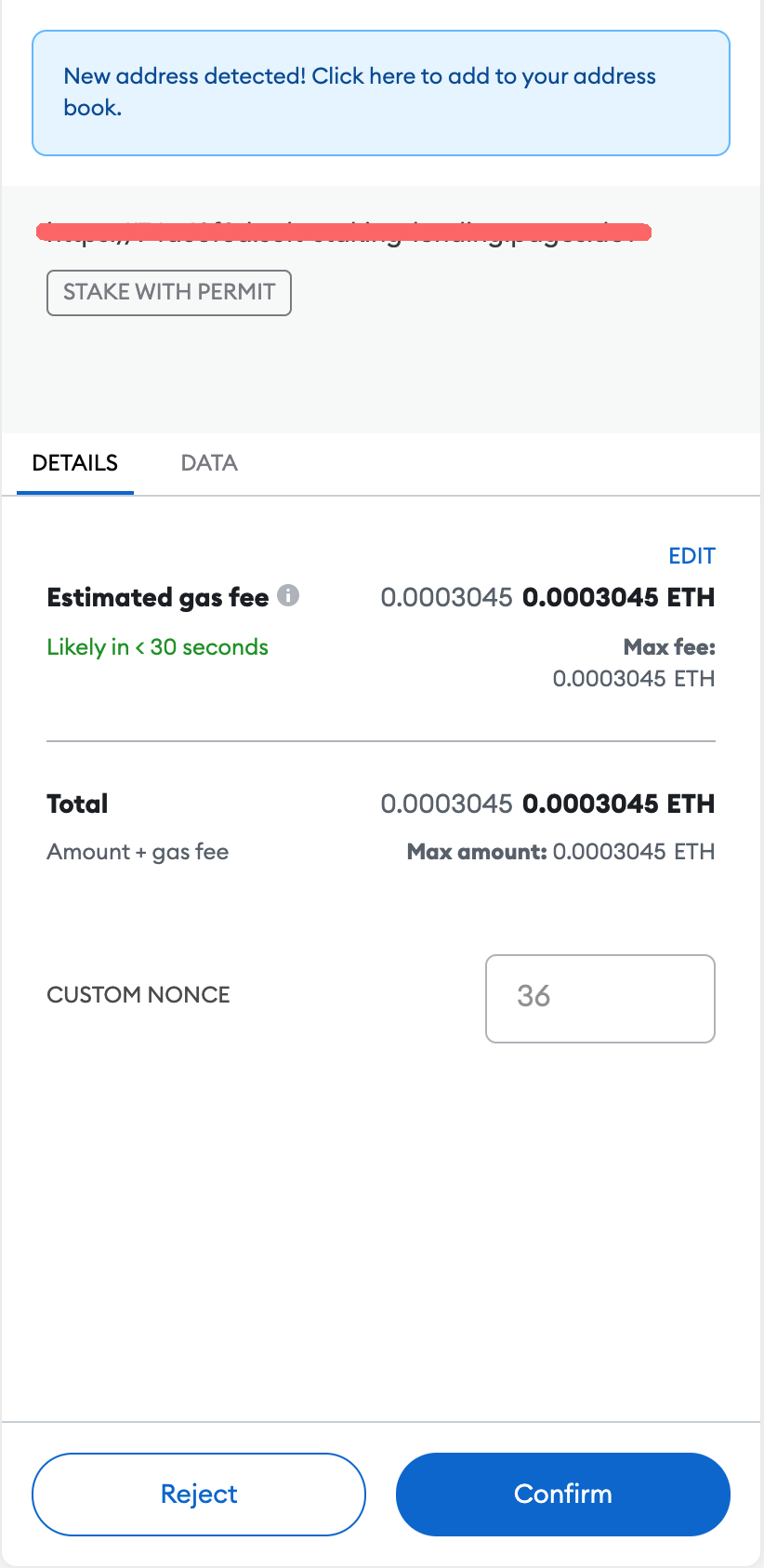
Awaiting a transaction to be confirmed
Success! you will see the after 15-30 sec your first rewards on ELP page
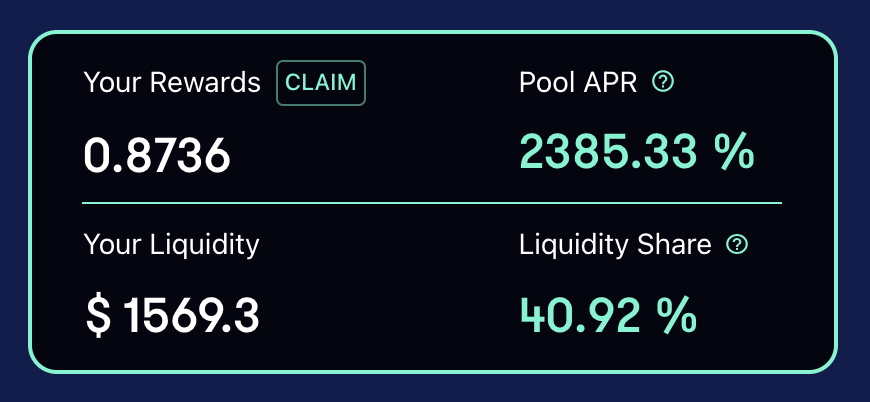
In order to collect the harvest, you could click on claim button at the image above
Video
- Providing a liquidity to ELP 🎥 Your first sOLT-USDT pair with ELP